Strikethrough text is the one styled effect most people already have without needing a generator — and that is the most useful thing to know about it.
Discord, WhatsApp, Slack, Google Docs and most editors have real strikethrough built in. It costs nothing, works for everyone, and reads correctly to assistive technology. The Unicode version this site produces is a fallback for the handful of places that have no formatting at all: an Instagram bio, a tweet, a plain SMS.
Knowing which situation you are in saves you from using the worse option when the better one is right there. And when you do need a strikethrough text generator, understanding how the effect is built tells you exactly where it will hold up and where it will fall apart.
How Unicode strikethrough is built
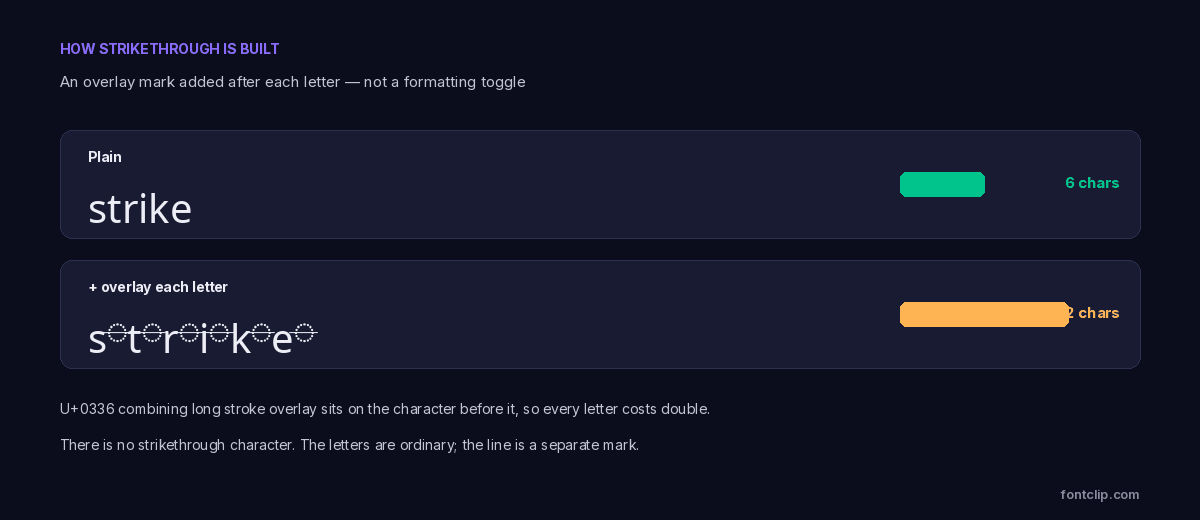
Unicode has no "strikethrough" character and no formatting toggle. The effect is built the same way cursed text is: with combining marks that attach to the character before them.
The specific mark is U+0336 combining long stroke overlay. Placed after a letter, it draws a horizontal line across it. Repeat that for every character and you get a struck-through word.
This has a direct consequence for character count. Each letter now carries a mark, so a six-letter word becomes twelve characters. Against a tight field like an Instagram or TikTok bio, struck-through text costs double — the same problem covered in character limits on every platform.
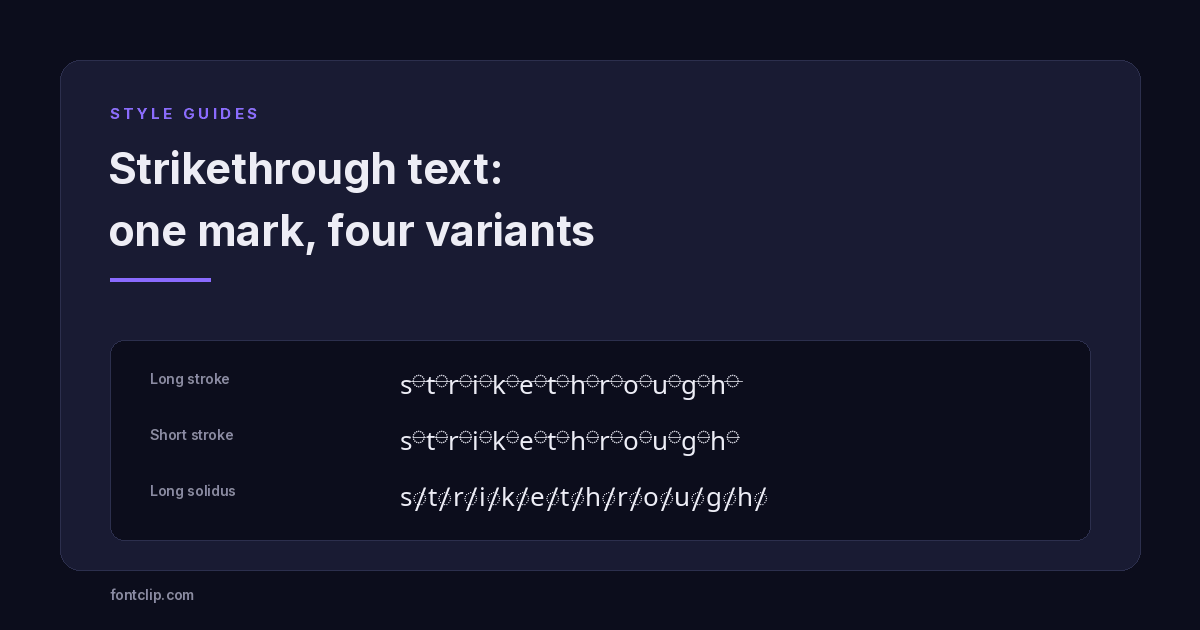
Four variants, not one
Most generators offer a single strikethrough, but Unicode has four overlay marks that produce visibly different results.
- U+0336 long stroke overlay — a solid horizontal line, edge to edge. The standard strikethrough and the one to use in almost every case.
- U+0335 short stroke overlay — a shorter horizontal line that does not always connect between letters, giving a dashed appearance.
- U+0338 long solidus overlay — a diagonal slash rather than a horizontal line. This is the mark used to negate mathematical symbols, which is why it looks like a "not" sign. It sits in the combining marks range alongside the horizontal strokes.
- U+0337 short solidus overlay — a shorter diagonal.
The horizontal long stroke is what people mean by strikethrough. The diagonal solidus variants read as "crossed out" in a harsher, more emphatic way, but they render less consistently because they were designed for single symbols rather than running text.
Use native strikethrough wherever it exists
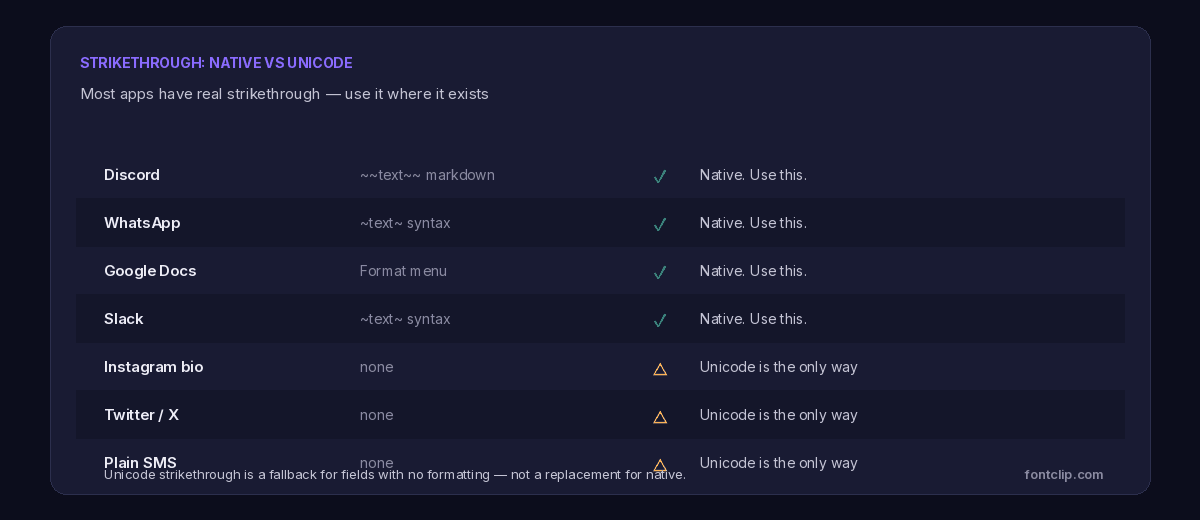
This is the part worth being firm about, because using Unicode strikethrough where native formatting exists is a genuine mistake.
Where you already have real strikethrough
Discord uses ~~text~~. WhatsApp uses ~text~. Slack uses ~text~. Google Docs has it in the Format menu, with a keyboard shortcut. In all of these, the strikethrough is real formatting: it costs no extra characters, it cannot render as boxes, and a screen reader handles it correctly.
If you paste Unicode strikethrough into any of these instead, you get a result that looks the same to you but is heavier, less accessible, and unsearchable. There is no reason to.
Where Unicode is the only option
Some fields have no formatting whatsoever. An Instagram bio, an X post or bio, a plain SMS, a form field. Here the native option does not exist, and Unicode strikethrough is the only way to get the effect. This is the situation it was made for.
The one-line rule
If the app has a formatting option or a markdown shortcut, use that. Reach for Unicode strikethrough only when the field is plain text with no alternative.
What people use it for
Strikethrough carries a specific meaning that plain emphasis does not, which is why it persists.
It signals a deliberate retraction — a price that has dropped, a plan that changed, a word you are pretending to take back for comic effect. The struck word stays visible, so the reader sees both the original and the correction. Bold or italic cannot do this; they emphasise, they do not retract.
The most common genuine use is pricing. "$̶9̶9̶ now $49" communicates a discount instantly because the old price is shown being cancelled. The second most common is tone — striking a word to signal you are saying something while performing second thoughts about it.
Where it breaks
Because it is built from combining marks, Unicode strikethrough inherits every combining-mark weakness.
Truncation is destructive. If a field cuts your text at its limit, it can separate a letter from its overlay mark, leaving a stray line against the wrong character. On fields that count strictly, struck text is more fragile than plain.
Older Android renderers sometimes position the overlay poorly, so the line sits above or below the letter rather than through it. The word is still readable but looks broken rather than struck.
Screen readers announce the overlay marks or ignore them, and either way the retraction meaning is lost entirely. A struck-through price read aloud is just two prices with no indication that one is cancelled. The accessibility guide covers this in full.
Native strikethrough avoids all three problems, which is the real reason to prefer it — not just convenience, but that it degrades gracefully where the Unicode version does not.
Why "cross out text" and "strikethrough" mean the same search
People look for this effect under several names, and it is worth knowing they all land in the same place. "Cross out text", "crossed out text", "strikethrough text" and "line through text" are the same request phrased differently, and a good strikethrough text generator produces the identical U+0336 overlay for all of them.
The one genuine distinction is horizontal versus diagonal. "Crossed out" sometimes implies the diagonal slash — a word cancelled with a line through it corner to corner — which is the solidus variant rather than the standard stroke. If someone specifically wants the harsher cancelled look, the diagonal is what they mean. For everything else, the horizontal stroke is the default.
A large share of related searches are actually app-specific: "how to cross out text in Google Docs", "strikethrough in Excel", "cross out text in Discord". Every one of those has a native answer that does not involve Unicode at all, which is the whole point of the next section.
Where it works and where it does not
Support for Unicode strikethrough is generally good, because combining overlay marks are old and widely implemented. But "generally good" is not "everywhere", and the failures are worth anticipating.
It renders reliably on current iOS, current Android, desktop browsers and most chat apps. It renders poorly on older budget Android devices, where the overlay may drift off the letter. It is stripped entirely by some form fields and validation systems that reject combining marks — the same systems that reject cursed text, since the mechanism is identical.
The safe assumption is that struck text works for display among modern devices and fails anywhere text is validated or processed. If the field accepted a username, it probably will not accept strikethrough; if it is a bio or a post, it probably will.
There is one property specific to how strikethrough is built that is worth understanding.
Unlike fullwidth or script, which replace your letters with different characters, strikethrough leaves the original letters intact and adds marks on top. The word "strike" struck through is still literally s-t-r-i-k-e with overlay marks between the letters.
That means a system which strips combining marks — which Unicode normalisation can do — recovers the original word exactly. In some search systems this makes struck text more findable than substituted styles, because the base text survives. It is not guaranteed, since it depends on whether the system normalises before matching, but it is a genuine difference from the fully substituted styles.
Why the effect exists as a mark at all
It is worth a moment on why strikethrough works this awkward way, because it explains the character-cost problem that has no workaround.
Combining overlay marks were not created for decoration. They exist so that scripts and notations that genuinely need a line through a character can build one without encoding a separate struck version of every letter. Rather than a struck a, a struck b, a struck c and so on, Unicode provides one overlay mark that attaches to anything.
That design is efficient for the notations that need it, and it is the reason casual strikethrough is possible at all. But it also means there is no single "struck-through A" to paste — only an A followed by a mark. The doubling of character count is not a flaw in the generators; it is inherent to how the effect is represented, and it will not change.
The practical takeaway is the one this whole guide points to: the mark is a genuine, well-supported piece of Unicode doing exactly its job, but it is a heavier and more fragile way to get strikethrough than a formatting button. Where a button exists, the button wins.
The short version
- Unicode strikethrough is built from U+0336, an overlay mark added after each letter. There is no strikethrough character.
- Because every letter gains a mark, struck text costs double against a character limit.
- There are four overlay variants: horizontal long (standard), horizontal short (dashed), and two diagonal solidus marks.
- Use native strikethrough wherever it exists — Discord, WhatsApp, Slack, Google Docs. It is cheaper, accessible and unbreakable.
- Reach for Unicode only in plain fields with no formatting: Instagram bio, X, SMS.
- It carries a retraction meaning that bold and italic cannot — which is lost entirely to screen readers.
- The original letters survive underneath, so it can remain searchable where substituted styles do not.
The strikethrough styles are on the glitch font generator alongside the other combining-mark effects. For the platforms with native formatting, our Discord guide covers markdown in detail.
Related Articles
 Unicode Explained
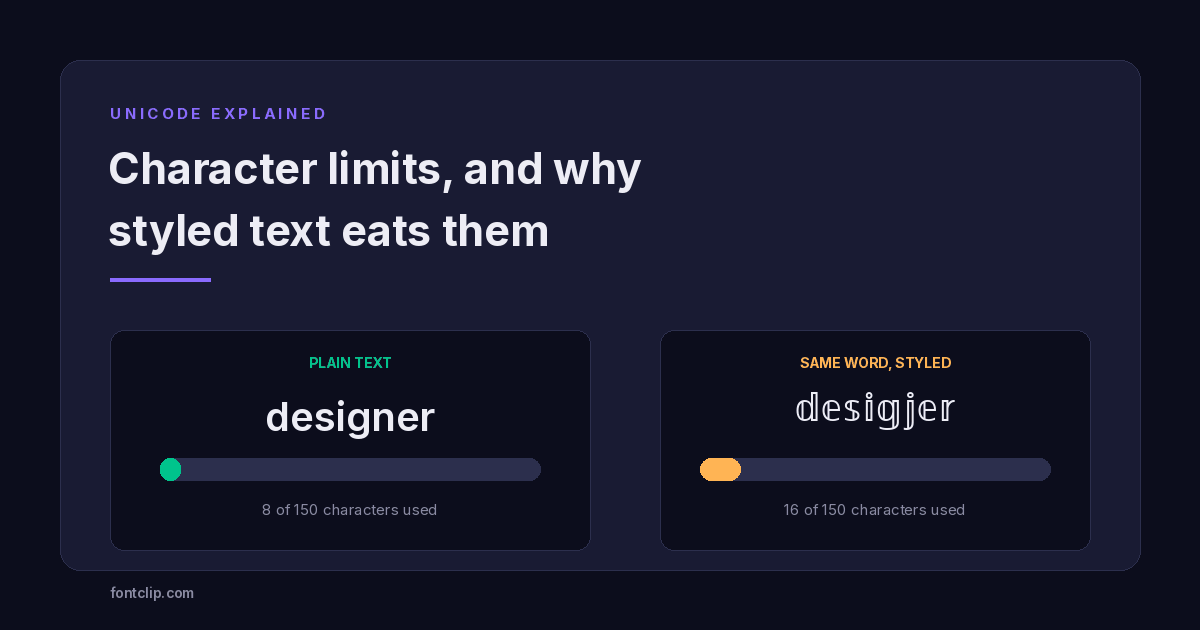
Character Limits on Every Platform (and Why Styled Text Eats Them)
Instagram 150, TikTok 80, Discord 190. Why a styled bio hits the limit long before the letters run out.
Read article →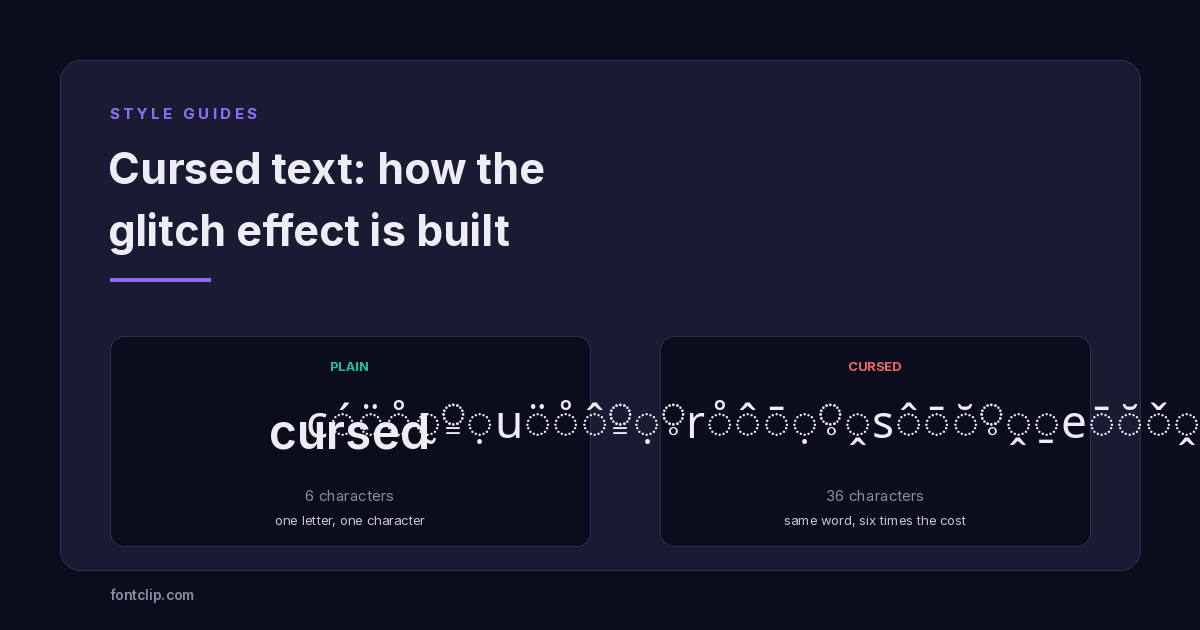 Style Guides
Cursed Text: How the Glitch Effect Is Actually Built
It stacks marks on your letters instead of replacing them. Why that costs six times plain text and breaks in every bio field.
Read article →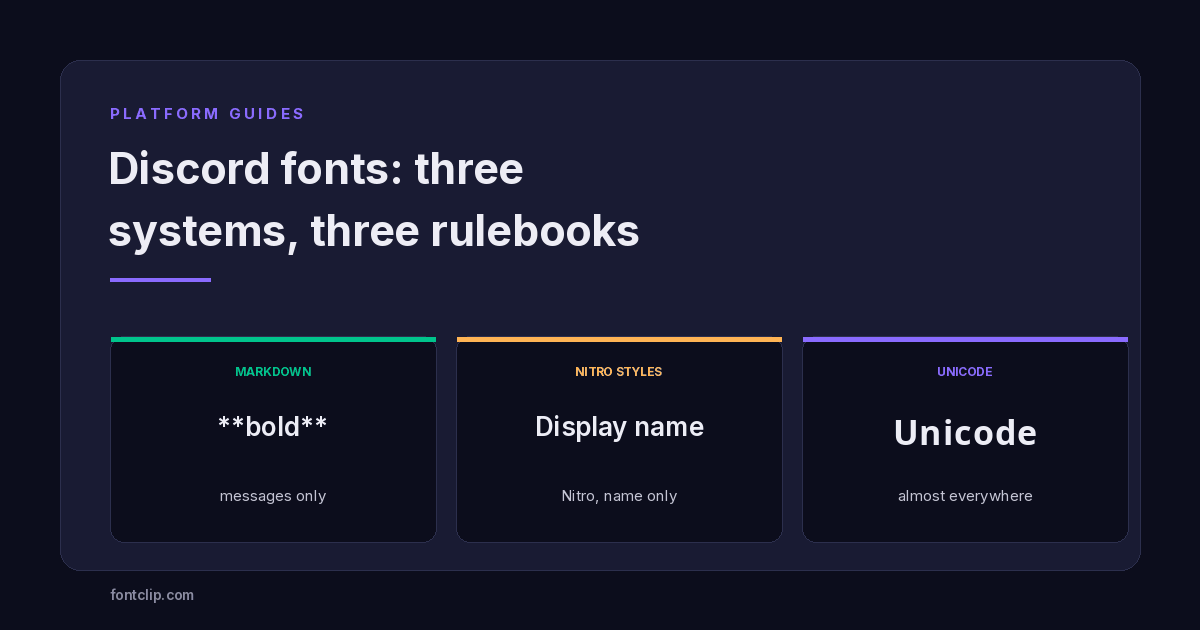 Platform Guides
Discord Fonts: Three Systems and Which Fields They Reach
Markdown, Nitro styles and Unicode reach different fields. Which works where, and which styles render as boxes for everyone else.
Read article →Put It Into Practice
285 named, tested styles — with an honest note wherever one has limits.
Open the generator →